Top 5 Common ButterflyMX Installation Errors (and How to Fix Them)
ButterflyMX devices are designed for straightforward installation, but mistakes during setup can cause frustrating delays or performance issues. Whether you’re installing a video intercom, door controller, or keypad, avoiding common errors ensures your system runs smoothly from day one.
Here are the top five installation mistakes we see — and how to fix them quickly.
1. Incorrect Mounting Height or Placement
The Problem:
Installing the intercom or keypad at the wrong height makes it difficult for residents and visitors to use. Poor placement can also lead to glare, bad camera angles, or accessibility issues.
The Fix:
- Mount devices at the recommended height (approx. 48–52 inches from the ground).
- Choose a location with proper lighting and visibility.
- Ensure compliance with ADA guidelines for accessibility.
2. Faulty or Loose Wiring
The Problem:
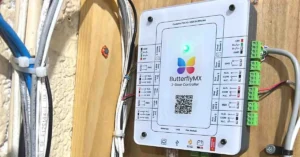
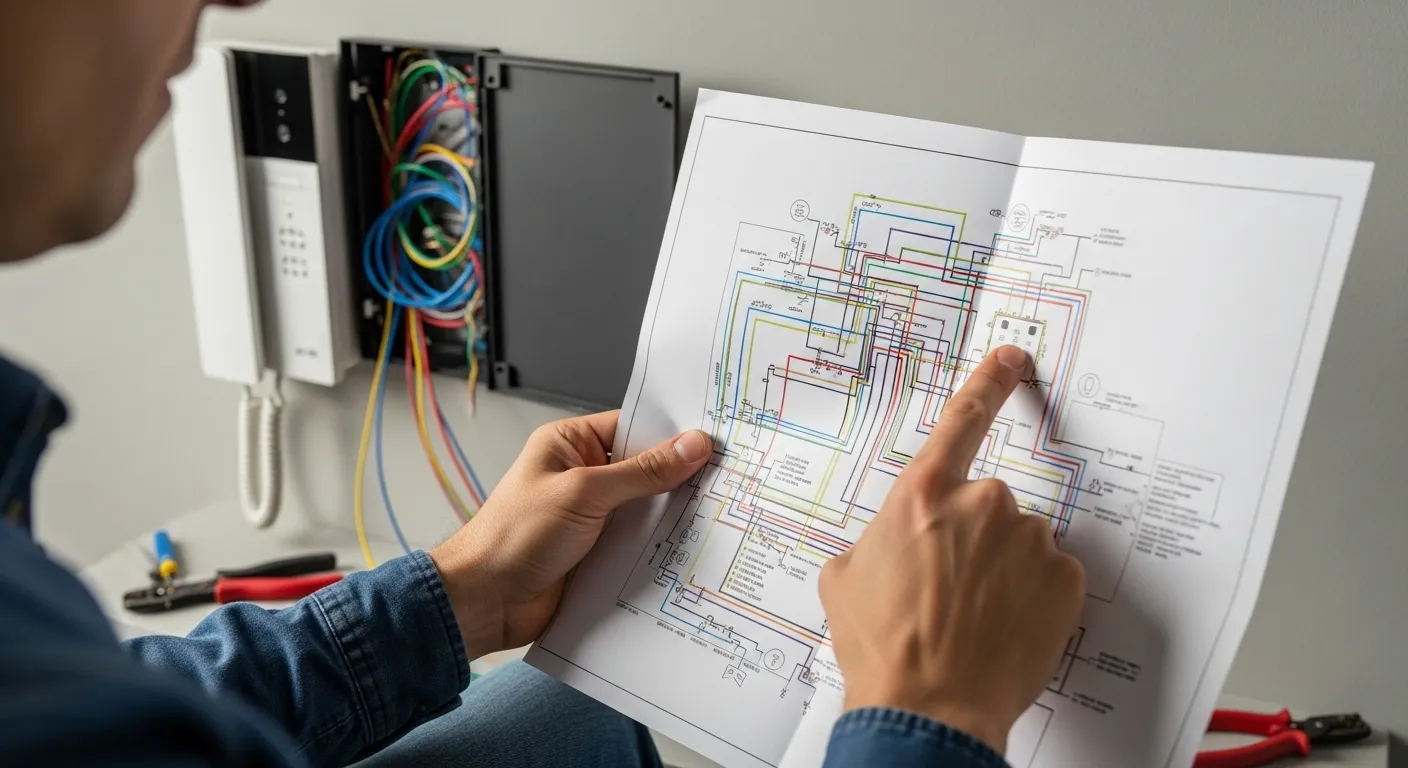
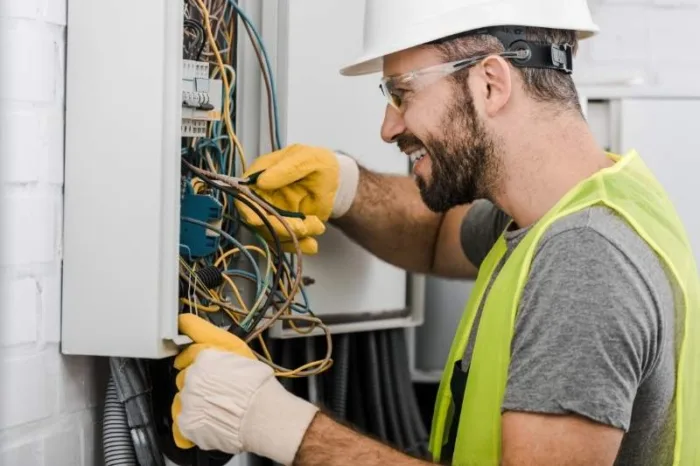
Improper wiring is one of the most common installation errors. Loose connections, reversed polarity, or incorrect terminal hookups can cause the system to malfunction.
The Fix:
- Always follow the official ButterflyMX wiring diagram.
- Double-check polarity before powering on.
- Use quality connectors and test continuity with a multimeter.
- For large installs, label cables to avoid confusion.
3. No or Weak Internet Connection
The Problem:
ButterflyMX relies on cloud connectivity. A weak or unstable internet connection can lead to call failures, delayed unlock commands, or offline devices.
The Fix:
- Use PoE (Power over Ethernet) whenever possible.
- If using Wi-Fi, ensure strong signal strength at the device location.
- Test internet speed — aim for at least 5 Mbps upload and download.
- Assign static IPs to avoid connectivity drops.
4. Skipping the Device Configuration Step
The Problem:
Some installers mount and wire devices but forget to configure them in the ButterflyMX dashboard. Without configuration, tenants can’t be added, and access controls won’t work properly.
The Fix:
- Log in to the property manager dashboard.
- Add the new device to your property profile.
- Assign tenants, staff, and access schedules.
- Run a test call before finishing the install.
5. Failing to Test Before Handover
The Problem:
Rushing an installation without full testing can result in angry calls from tenants when the system doesn’t work properly.
The Fix:
- Test video and audio clarity.
- Confirm the door unlock function works from the mobile app.
- Try multiple tenants and access points.
- Simulate a delivery scenario to ensure everything functions correctly.
Pro Tip: When to Call a Professional
Some installation issues are too complex for DIY. If you’re dealing with:
- Multiple building entrances,
- Elevator integrations,
- Large-scale wiring, or
- Fire-code sensitive doors…
…it’s best to bring in a certified ButterflyMX installer.
Final Thoughts
By avoiding these five common mistakes, you can ensure your ButterflyMX installation runs smoothly and delivers the reliable access experience tenants expect. Always plan ahead, follow wiring diagrams, test thoroughly, and don’t hesitate to call in professional help when needed.
If you’re in New York or New Jersey, MetroCom Security is a certified ButterflyMX partner with expertise in installation, repairs, and system integrations.