Using Digital Keys and Temporary Passcodes with ButterflyMX
ButterflyMX isn’t just about answering video calls — it also gives residents and property managers flexible access options through digital keys and temporary passcodes. These features make it easier to grant entry to trusted guests, contractors, and service providers while keeping security intact.
Here’s everything you need to know about using digital keys and passcodes in ButterflyMX.
Step 1: What Are Digital Keys?
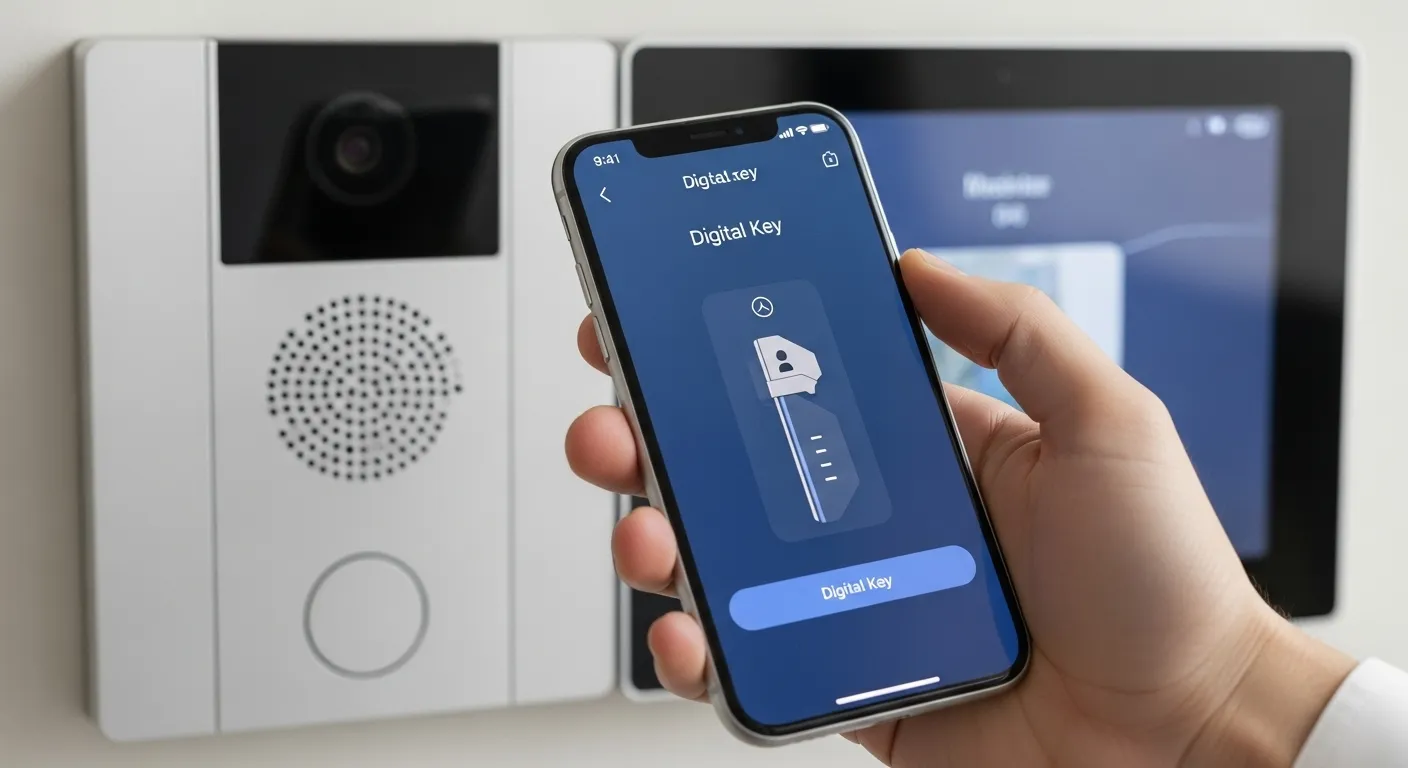
A digital key is a unique access credential stored in the ButterflyMX app. Instead of a physical key or fob, residents can:
- Unlock doors directly from their smartphone app.
- Share access with friends, family, or service providers.
- Revoke keys instantly if no longer needed.
This eliminates the hassle of physical copies and lost keys.
Step 2: What Are Temporary Passcodes?
A temporary passcode is a short-term access code you can generate from the ButterflyMX app or dashboard.
- Time-limited – valid only for a set period (e.g., 2 hours, 1 day).
- Single-use or multi-use – depending on your chosen settings.
- Ideal for cleaners, dog walkers, contractors, or delivery drivers.
Step 3: How to Generate a Digital Key
- Open the ButterflyMX app.
- Select the door, gate, or access point.
- Tap “Share Digital Key.”
- Enter the recipient’s email or phone number.
- Confirm the access level and send.
The recipient will receive a link to download the app and use the key.
Step 4: How to Create a Temporary Passcode
- Go to the ButterflyMX app or dashboard.
- Navigate to “Access Settings” → “Passcodes.”
- Click “Create Passcode.”
- Choose validity period (specific hours/days).
- Share the code with your guest.
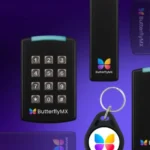
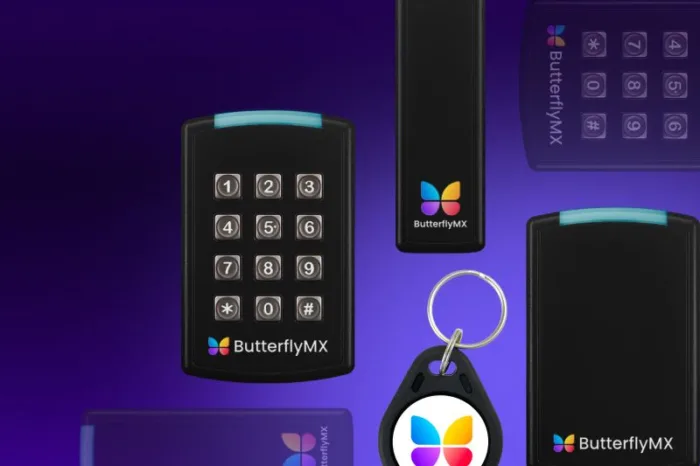
Passcodes can be entered on the keypad at the property entrance.
Step 5: Monitor and Revoke Access
One of the key benefits of ButterflyMX is real-time access management.
- Track usage in the activity log (see when digital keys or passcodes were used).
- Revoke access instantly if a code is shared without permission.
- Set expiration times to prevent long-term risks.
Step 6: Best Practices for Property Managers
- Encourage tenants to use temporary passcodes for short-term guests instead of permanent digital keys.
- Audit access logs regularly for unusual activity.
- Provide staff with unique passcodes so you can track accountability.
- Rotate codes frequently for contractors or third-party services.
Step 7: Benefits for Residents & Managers
- Convenience – no physical keys needed.
- Flexibility – easy guest access without being onsite.
- Security – codes expire, preventing long-term misuse.
- Transparency – activity logs show exactly who entered and when.
Final Thoughts
Digital keys and temporary passcodes make ButterflyMX more versatile than traditional intercoms or access control systems. By giving residents and managers flexible entry tools, you can improve convenience while maintaining strong security.
If you’d like professional guidance on setting up or managing these features, MetroCom Security offers certified ButterflyMX installation and support for properties across New York and New Jersey.