Routine Maintenance Tips to Keep Your ButterflyMX Running Smoothly
ButterflyMX systems are designed for reliability, but like any technology, they perform best with regular care. Property managers who invest a little time in maintenance can prevent costly breakdowns, extend device life, and ensure residents always enjoy a seamless access experience.
Here are some practical maintenance tips to keep your ButterflyMX devices in top condition.
1. Clean and Inspect the Hardware
Over time, dust, dirt, and weather conditions can impact device performance.
- Wipe down surfaces with a microfiber cloth to keep cameras and screens clear.
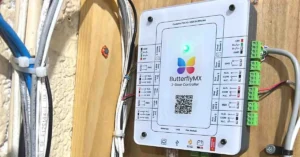
- Check for cracks or damage to housings that may expose internal parts.
- Inspect mounting screws to ensure the unit is firmly attached and tamper-resistant.
For outdoor units, schedule inspections at least every 3 months.
2. Test Connectivity Regularly
Since ButterflyMX relies on internet connectivity, weak or unstable connections can cause downtime.
- Run a monthly connection test to confirm devices are online.
- Use a network speed test to check upload/download rates (aim for at least 5 Mbps).
- Ensure PoE switches or routers are functioning correctly.
- Assign static IPs to devices to prevent frequent disconnections.
3. Keep Firmware Updated
Updates often include security patches, performance improvements, and new features.
- Log into the ButterflyMX admin dashboard monthly.
- Apply firmware updates when available.
- Set reminders so updates aren’t overlooked.
This simple step prevents most software-related errors.
4. Review Access Logs
Monitoring access logs helps detect unusual activity early.
- Look for failed access attempts or repeated errors.
- Verify that tenants who moved out no longer appear in the system.
- Confirm that staff accounts are still valid.
Spotting discrepancies quickly prevents potential security risks.
5. Test Core Functions
Don’t assume everything is working just because the device powers on.
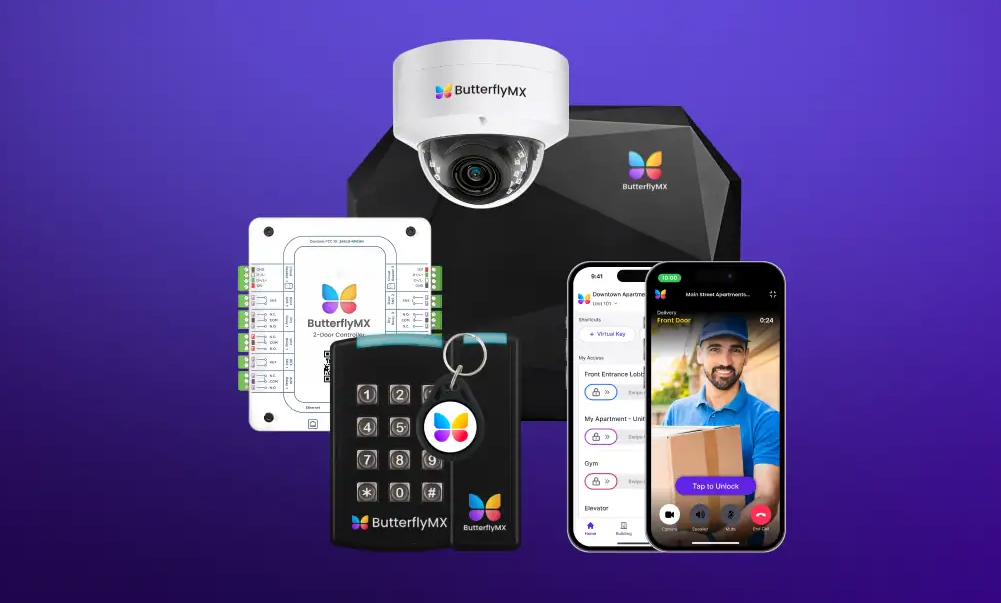
- Intercom Calls – Make test calls to tenant smartphones.
- Door Unlock – Confirm that remote unlock commands work instantly.
- Keypads/Fobs – Verify codes and fobs are functioning.
- Cameras & Mics – Check video clarity and audio quality.
Running these tests every 1–2 months ensures you catch small problems before they grow.
6. Train Staff and Tenants
A well-maintained system also depends on users who know how to use it correctly.
- Provide quick start guides for new residents.
- Remind tenants to keep the ButterflyMX app updated on their phones.
- Train staff to identify basic issues (offline device, wiring check, reset).
7. Schedule Professional Inspections
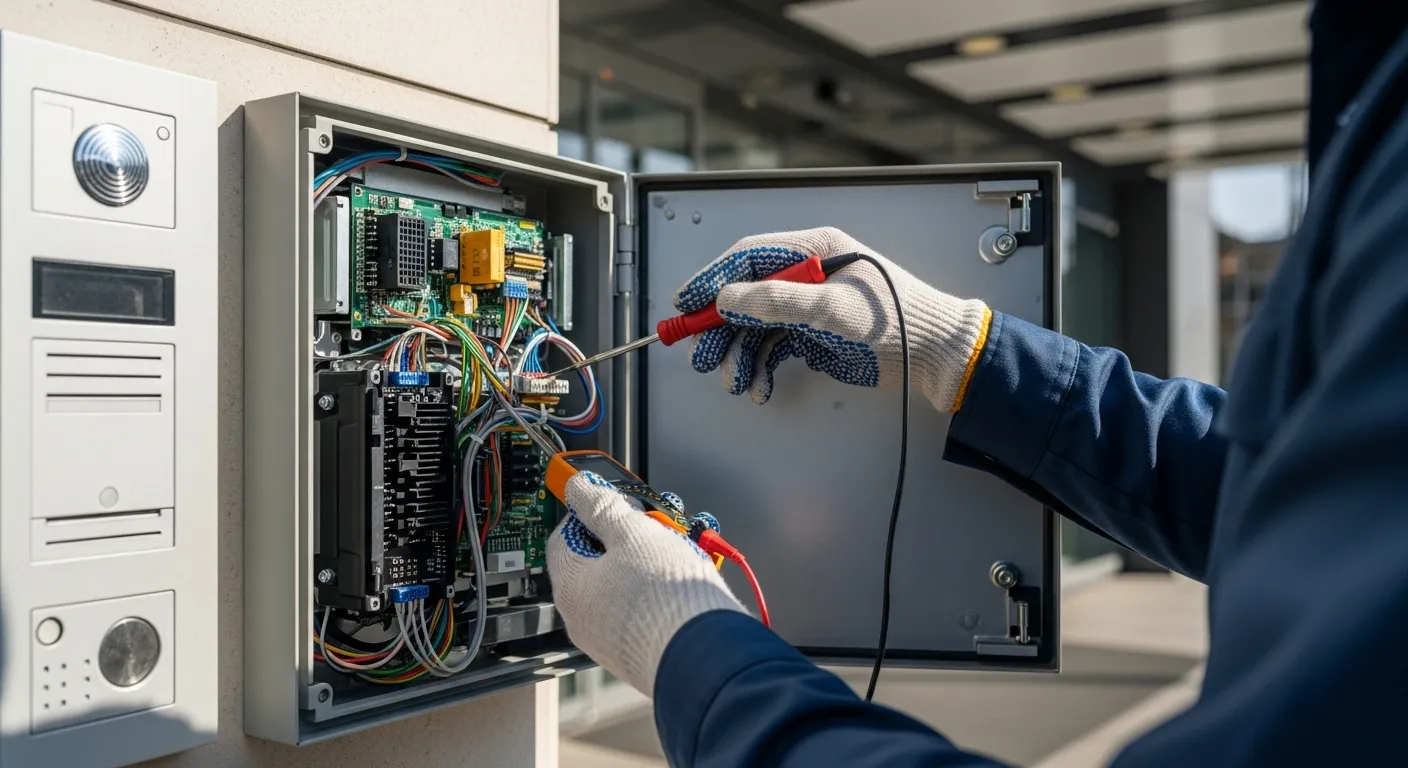
Even with regular maintenance, some issues require professional expertise.
- Book a yearly inspection with a certified ButterflyMX installer.
- Have wiring, locks, and network equipment checked.
- Ask for a preventive maintenance plan tailored to your building.
Final Thoughts
ButterflyMX devices are built to last, but a proactive maintenance routine ensures they deliver maximum value for years. By cleaning hardware, testing connectivity, updating firmware, and scheduling periodic inspections, property managers can avoid most common issues.
For expert support, MetroCom Security offers certified ButterflyMX installation, maintenance, and long-term service plans across New York and New Jersey.