Tenant Onboarding Made Easy: Teaching Residents to Use ButterflyMX
Installing ButterflyMX is only half the job. The real value comes when residents know how to use it confidently for daily access, visitor management, and deliveries. Smooth tenant onboarding not only improves user satisfaction but also reduces support requests for property managers.
Here’s a simple guide to make tenant onboarding easy, efficient, and stress-free.
Step 1: Introduce ButterflyMX at Move-In
First impressions matter. During lease signing or move-in orientation:
- Provide a short overview of what ButterflyMX is and how it benefits them.
- Emphasize key features: mobile app access, video calls, and digital keys.
- Hand out a quick start guide (printed or PDF) with setup instructions.
By making ButterflyMX part of the welcome experience, residents immediately see it as a value-added amenity.
Step 2: Guide Tenants Through App Setup
The ButterflyMX app is the heart of the system, so ensure residents install it correctly.
- Share download links for iOS and Android.
- Walk them through account setup using their registered email and phone.
- Show how to:
- Answer a video call from the intercom.
- Unlock doors remotely.
- Create and share guest access codes.
Encouraging tenants to test the app during move-in reduces confusion later.
Step 3: Demonstrate Key Features in Action
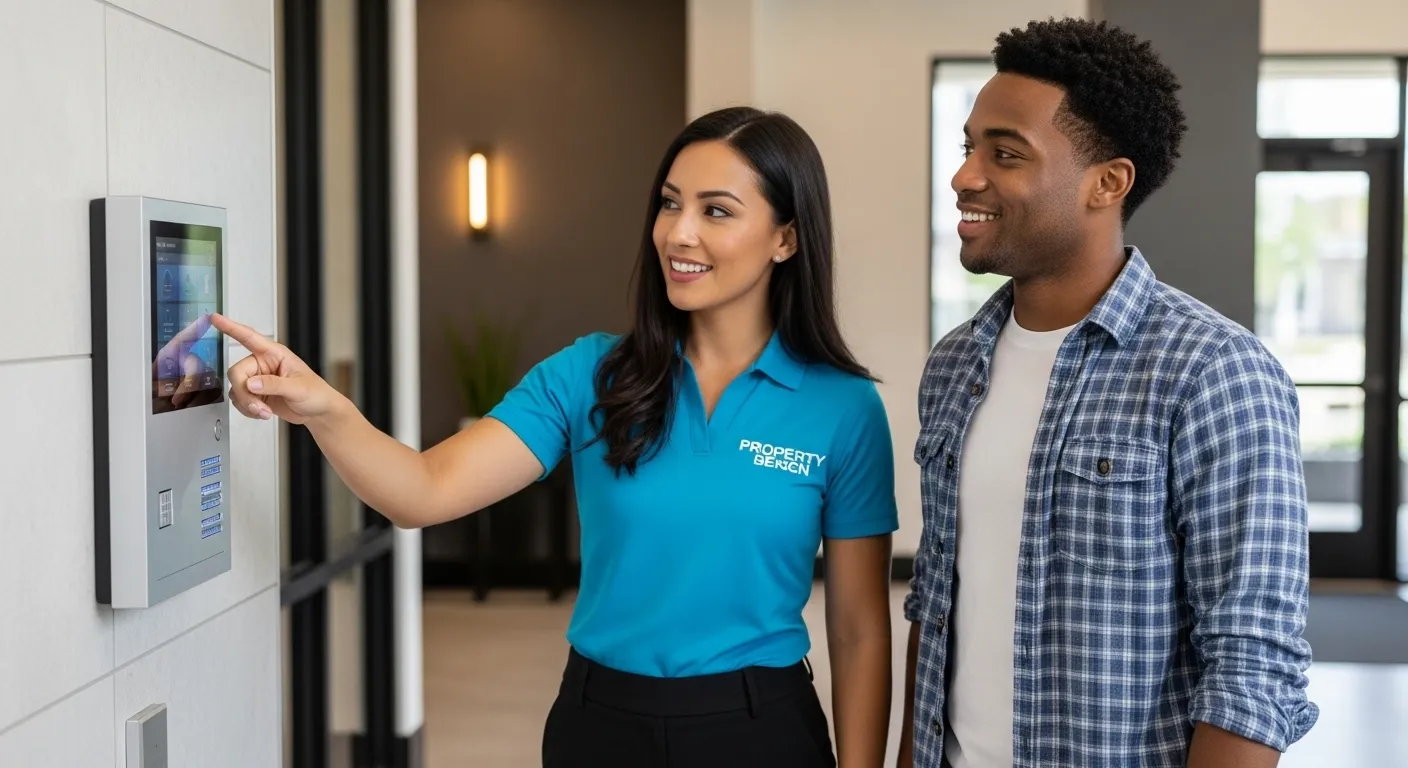
Hands-on demonstrations leave a stronger impression than instructions.
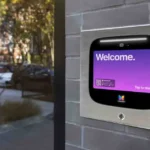
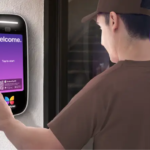
- Intercom Call Demo: Ring their unit from the ButterflyMX panel and let them answer on their phone.
- Remote Unlock: Show them how to unlock the door for a visitor.
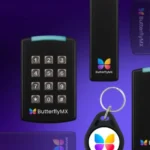
- Guest Access: Create a sample digital key for a family member or service provider.
This gives tenants confidence that they can handle real-world situations.
Step 4: Provide Clear Troubleshooting Tips
Prevent frustration by giving residents simple solutions to common issues:
- If the app won’t connect → check Wi-Fi or mobile data.
- If calls don’t come through → enable notifications in phone settings.
- If access fails → restart the app and try again.
Make sure they know when to contact building management or support.
Step 5: Use Digital Training Resources
Not all tenants will attend in-person orientations. For them:
- Create a short video tutorial explaining setup.
- Host a tenant resources page with FAQs.
- Email seasonal reminders (e.g., “Update your app to the latest version”).
Digital resources ensure consistency in training across all tenants.
Step 6: Reinforce Security Best Practices
Since ButterflyMX controls building access, encourage responsible use:
- Don’t share access codes with strangers.
- Only grant guest access to trusted contacts.
- Report lost phones or compromised accounts immediately.
Reminding tenants of these best practices keeps the property secure.
Step 7: Gather Feedback
A few weeks after move-in, ask tenants:
- How easy was the setup?
- Do they use features like remote unlock or guest keys?
- Are they facing recurring issues?
Use feedback to improve your onboarding process and identify training gaps.
Final Thoughts
A successful ButterflyMX system depends on tenants who feel confident using it. By introducing the app during move-in, demonstrating features, providing troubleshooting tips, and reinforcing security, you’ll create a seamless onboarding experience.
For professional installation and tenant training, MetroCom Security offers full-service ButterflyMX support across New York and New Jersey.